
Pick a lane
Text to Video if you only have a prompt. Image to Video if you already shot a hero frame. Starring if identity lock matters more than a one-off clip.
I opened wan.video and got a creative platform pitch: text-to-image, image-to-image, text-to-video, image-to-video, and image editing — not a single-mode toy. This notebook is what I kept after reading the public brand pages.
I did not create an account. The purple primary on dark product chrome and the Crimson Pro / Inter pairing stuck more than any slogan. Live generate, billing, and CLI installs belong on the official Wan website.

Capability showcase
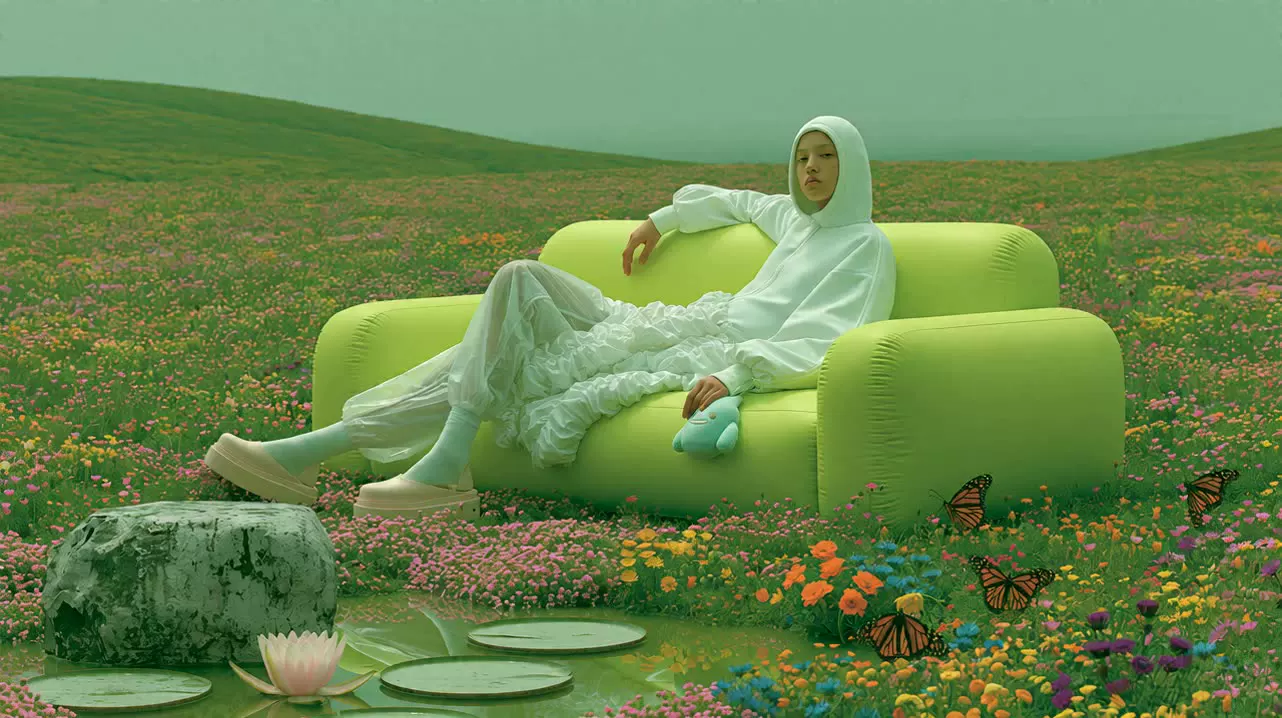
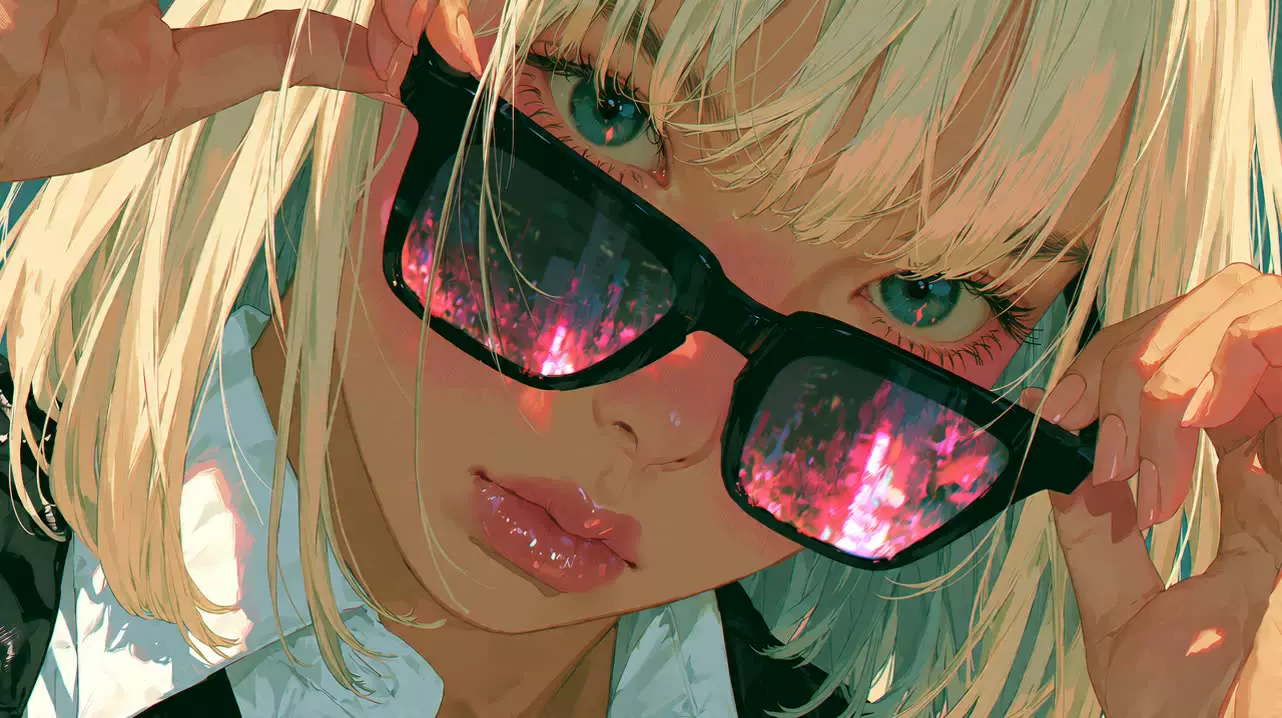
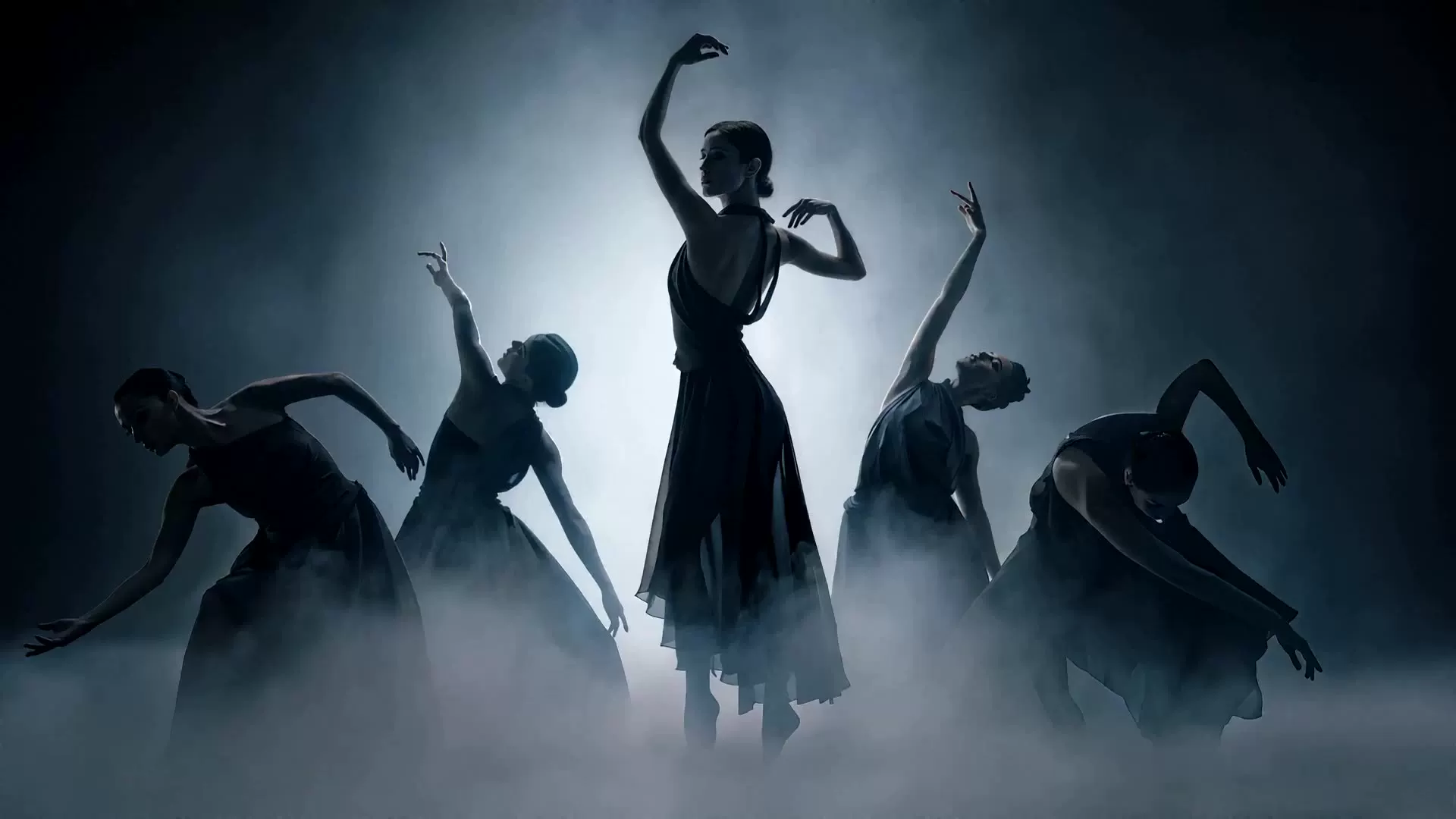
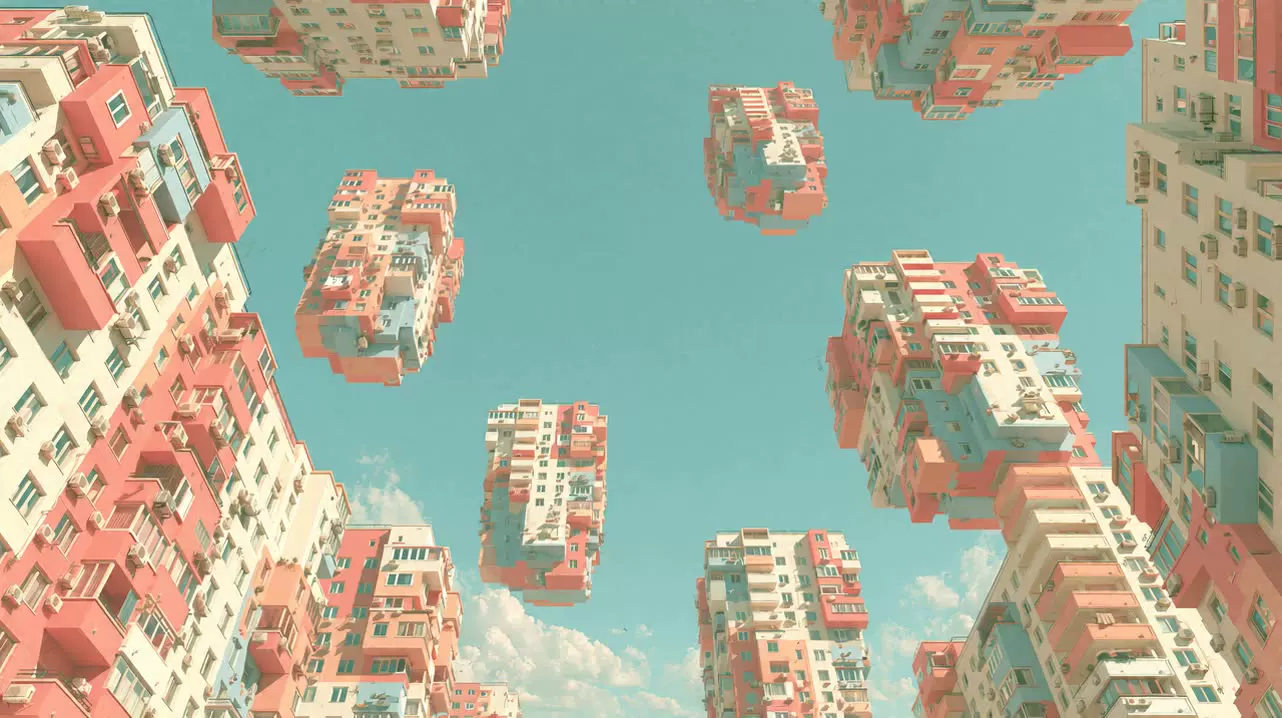
Every frame below is an official marketing still or starring poster I saved locally. No stock filler. Video demos on the brand CDN ran several megabytes each, so this grid stays on stills that met the page weight budget.
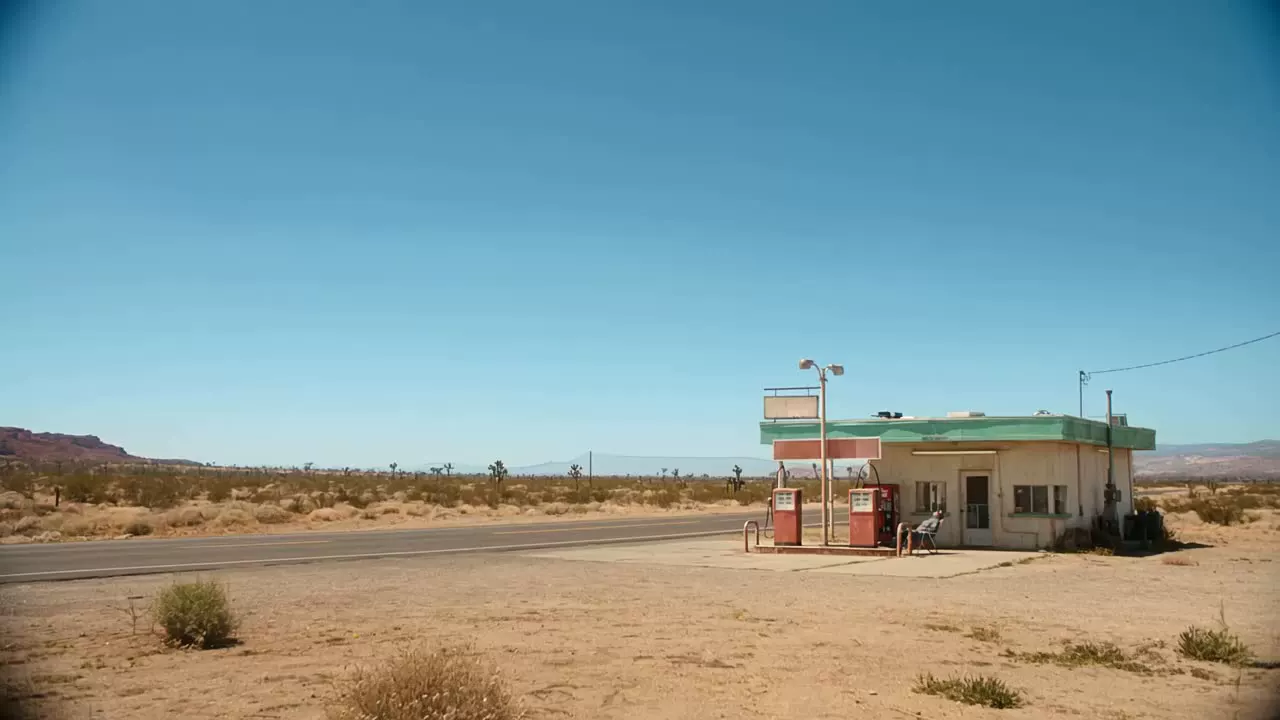
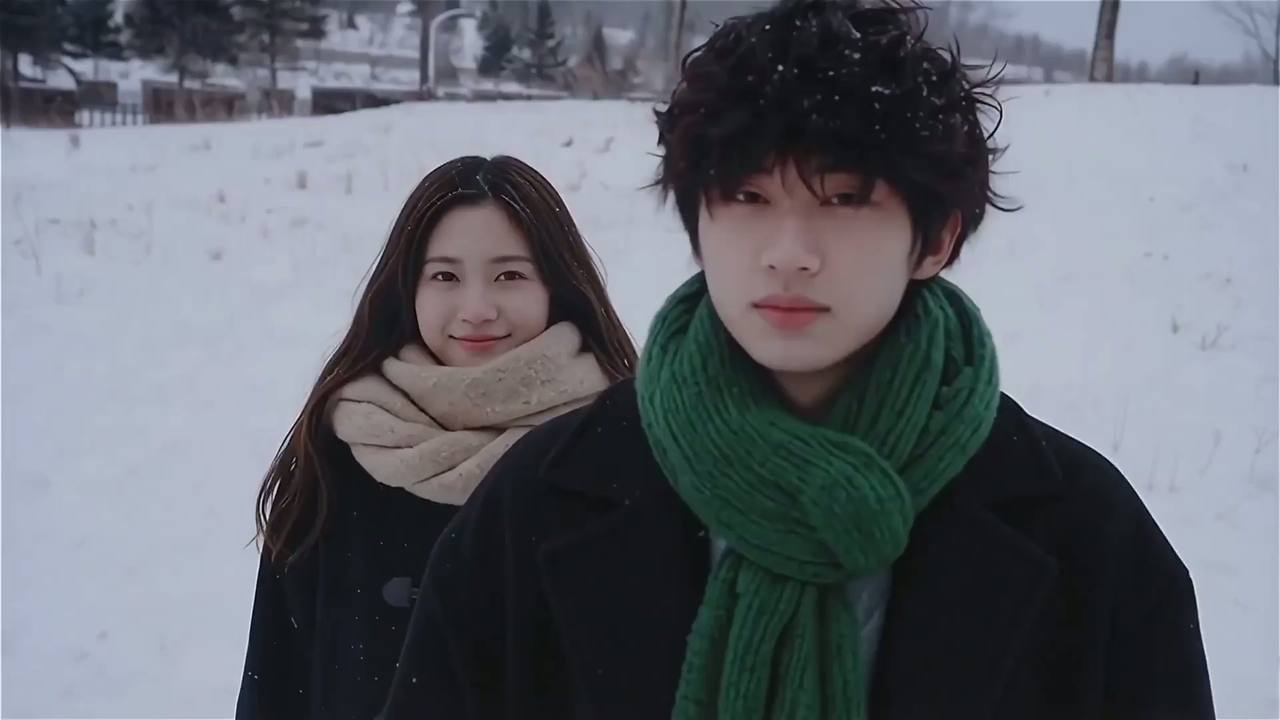
How it works
Text to Video if you only have a prompt. Image to Video if you already shot a hero frame. Starring if identity lock matters more than a one-off clip.
Product generate links I saw pointed at Wan 2.6. Open Source is a different shelf — Wan2.2-T2V-A14B and friends for self-hosting.
Credits, API keys, and the composer live on wan.video. Primary buttons here only open a local next-step dialog.
What it is
Wan is an AI creative platform from the team behind wan.video. The official description is blunt: lower the barrier to creative work with text-to-image, image-to-image, text-to-video, image-to-video, and image editing under one roof.
The part that took me a moment was how many parallel product doors exist — Generate, Starring, Features, Open Source, API, even a CLI entry. It is easy to treat it as “just video,” but the homepage meta copy insists on image tools too.
I would separate the hosted product story (Wan 2.6 generate paths, starring demos, API landing) from the open-weight research line (Wan2.2 MoE models). Same brand umbrella; different operating assumptions.
Useful, but only if you already know whether you need a browser composer or weights on your own GPU. I skipped Generate and focused on reading what the brand pages actually show.
For the live product, use the official Wan website. This page stays a field notebook.
Use cases
Keep a face and wardrobe consistent across shots — the starring story on wan.video.
Capability copy on the site talks about extended native duration for immersive scenes.
Turn a product still into a short motion beat without rebuilding the whole set.
Landing API page frames video, image, audio, and text inputs for automated jobs.
Buttons on this site stay local. When you want accounts and generation, step out to wan.video.
Models
I only listed versions that showed up in product generate links or the Open Source page. No invented mid-tier names.
Current product generation path on wan.video for starring and create flows — the build I saw labeled in generate links.
Open-weights text-to-video MoE model listed on the Open Source page — 480P and 720P generation.
Open-weights image-to-video MoE model from the same Wan2.2 open suite.
Compact hybrid text/image-to-video open model aimed at consumer GPUs at 720P.
Categories
Prompt-only clips — the first product tile I read on the welcome surface.
Still-to-motion lane for locked subjects and camera moves.
Still generation sitting beside the video tools on the same creative platform.
Omni / reference path for carrying look and voice cues into a new clip.
Precision edit tools called out next to generate modes on the landing.
Still cleanup and rewrite work listed on the API and product surface.
Why people look here
The official description refuses to be video-only. That breadth matters if your pipeline mixes stills and clips.
Character continuity gets its own storytelling surface, not a buried menu tip.
Wan2.2 cards keep researchers from hunting a separate brand.
Landing API and Wan CLI entries signal automation, not only a hobby UI.
Crimson Pro for display, Inter for UI — same pairing the brand CSS loads.
Who it is for
Need short clips from prompts or stills without standing up a full CG pipeline.
Want identity-locked talent or product frames across a few shots.
Prefer Wan2.2 open weights and a path that does not start at a credit meter.
Questions
No. This is an independent notebook about Wan. For accounts, billing, and live generate, use the official Wan website.
From the official description: text-to-image, image-to-image, text-to-video, image-to-video, and image editing, plus starring/reference flows and an API landing.
On the product surface I kept seeing Wan 2.6 in generate links. For open weights, the Open Source page lists Wan2.2-T2V-A14B, Wan2.2-I2V-A14B, and Wan2.2-TI2V-5B.
I have not logged in or spent credits. I read the public brand pages, saved official stills, and mapped the open-source model names — that is the limit of this notebook.
The Open Source section on wan.video points to the Wan2.2 suite (T2V-A14B, I2V-A14B, TI2V-5B). Check that page for current download links.
Yes — the brand app surfaces Wan CLI install guidance. I did not run it in production.
Five reader impressions tied to this notebook — not official product testimonials.
Maya L. · 5 / 5
The starring page made the character pitch concrete — I watched the demo stills before I even opened Generate.
Jonah R. · 4 / 5
Open-source Wan2.2 cards are clear; I still have not run the 5B weights locally, so that part stays unverified for me.
Sofia K. · 5 / 5
Text-to-video and image-to-video sitting next to text-to-image felt honest about the platform scope.
Chris P. · 4 / 5
I bounced off the signup wall and used this notebook instead. Purple primary on the dark product chrome is hard to miss.
Amina T. · 5 / 5
Reference-to-video is the lane I would try first if I already had a hero still from a shoot.
Keep exploring model notes here, or leave for the live platform when you are ready to generate.
Ready to leave the notebook?
Try now